Introducing Accounts and Reviews
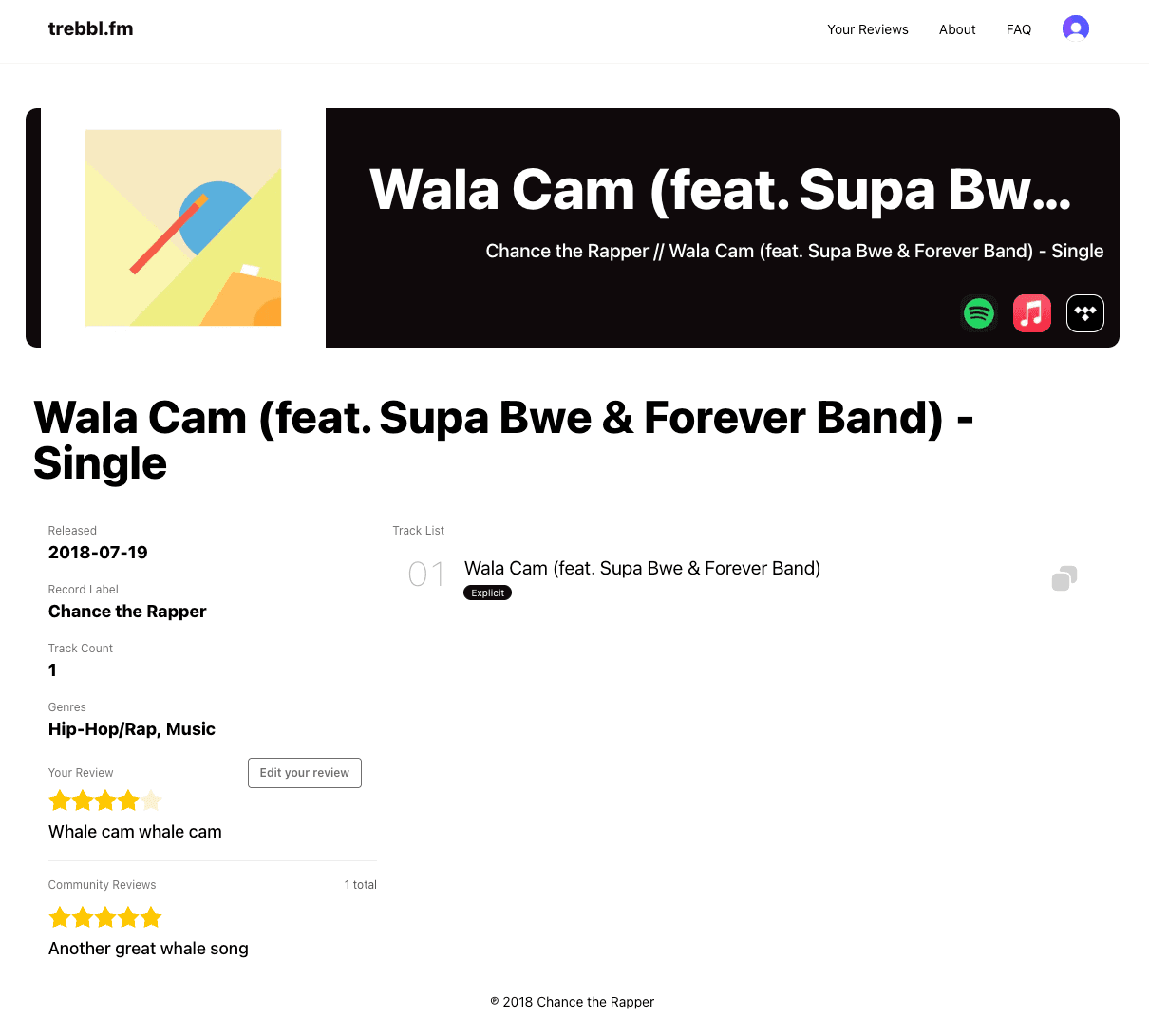
We’re excited to announce our first major update since launch: accounts and reviews! You can now create an account to save your favourite music and share your thoughts on the albums you love (or dislike).
Why accounts?
When I was building the initial website, I wanted to keep things simple and focus on the core functionality of sharing music across platforms.
For this release, and for other planned updates, it became clear that accounts would be necessary to provide a more personalised experience and to prevent some features from being abused. After some research, I chose our authentication provider (no, I don’t want to roll my own) and implemented the integration with the backend and frontend to bring you what we have today.
As always, I wanted to keep the minimal amount of data and thats what I've implemented here. The safest data is the data you don't have. When you create an account on trebbl.fm, we only store your email, username, and first/lastname you'd like to use (you don't even need to prove these if you don't want to).
We use Clerk for our authentication, and they have a great privacy policy that you can check out if you want to know more about how your data is handled.
Reviews
Now for the exciting part: reviews! You can leave a review on any album page, sharing your thoughts and feelings about the music you’re listening to. Whether you loved it or hated it, we want to hear from you!
Your reviews will appear on the album page for everyone to see, and you can edit your reviews if you change your mind. We hope this feature fosters a sense of community and encourages more discussion around the music we all love.
As always, your reviews won’t be tied to your name or account, so you can share your honest opinions without worrying about judgement. We just want to create a space where people can share their thoughts and feelings about music in a safe and welcoming environment. However, we do require accounts to prevent the reviews from being spammed by bots or unhappy listeners.
You can see all the reviews you’ve left in one place. Head to “Your Reviews” in the menu (this will appear once you’ve logged in).
What’s next?
I'm going to keep expanding on this functionality to bring more ways you can interact with music and the community on trebbl.fm. I have a lot of ideas, but I'm always open to suggestions, so if you have any thoughts on what you'd like to see next, feel free to reach out!